

The level in your room, live.
What the Puck hears shows up on your phone as it happens.

A round desk device that listens to your room.
The instrument in your studio nobody tunes.
Bass stacks up in the corners and hides your low end.
Sound that reaches your ears twice.
Mixes translate when the room stops getting in the way.
Acoustic treatment first. Plugins second.
Set the Puck at your listening position. It hears the room the way you do, and tells you when it is quiet enough to measure.
The Studio Tune app is the Puck's other half. It scans, scores and shows you what to change.
How the Puck and the app work together.
What the Puck hears shows up on your phone as it happens.
The app plays a sweep, the Puck listens, and you get a score out of 100, yours to beat.

Scan the room with your phone and see where acoustic treatment goes before you hang a panel.

Level-match left and right within 0.5 dB, with the meters moving as you adjust.

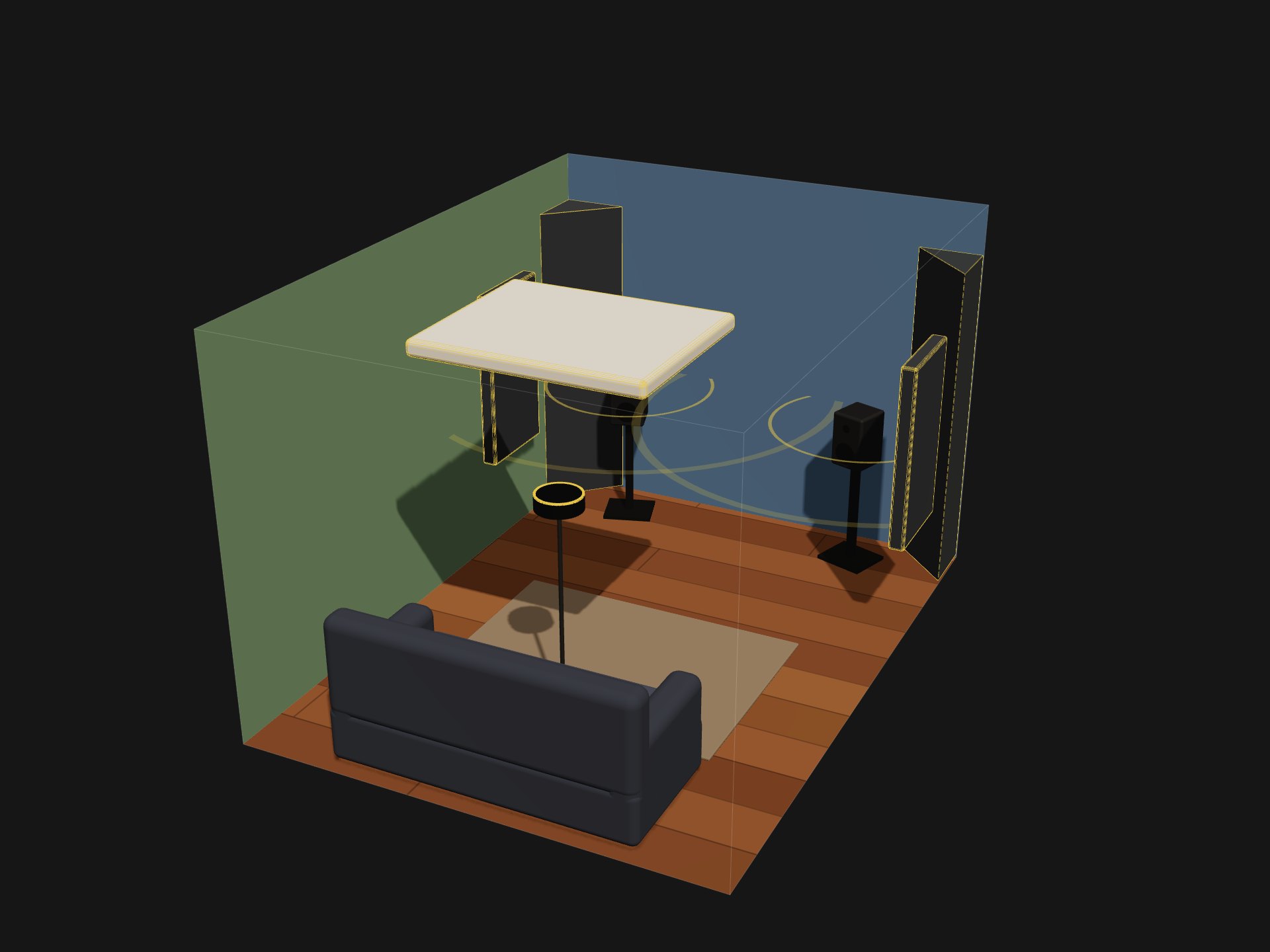
Walk the room with your phone. Studio Tune builds a 3D scan of your room.
The Puck listens while the app plays a sweep. You get a Room Score out of 100, yours to beat.
See where acoustic treatment panels go, and how to hang them.
The predicted score is a range. The next sweep shows what the change did.
Plain facts. No padding.
Small enough to sit at your listening position without getting in the way.
Tap and swipe the round screen, or turn the knob to change screens.
Turn the knob to move between the six screens. It clicks gently at each one.
It pairs with the Studio Tune app on your phone.
Charge it with a USB-C cable.
A magnetic pad that keeps the Puck from sliding around.